Apex Legends UI / UX Redesign
Role UI / UX Designer
Tools Figma Photoshop
Type Conceptual Redesign
Scroll
01

Overview

Apex Legends is a fast-paced battle royale with a distinct visual identity. This project reimagines the core UI across three key areas: weapon selection, weapon customisation, and progression.

As someone who plays a lot of fps games, I wanted to change up Apex’s armory. I wanted to change some UI up to create a smoother navigation flow while keeping the identity of Apex intact.
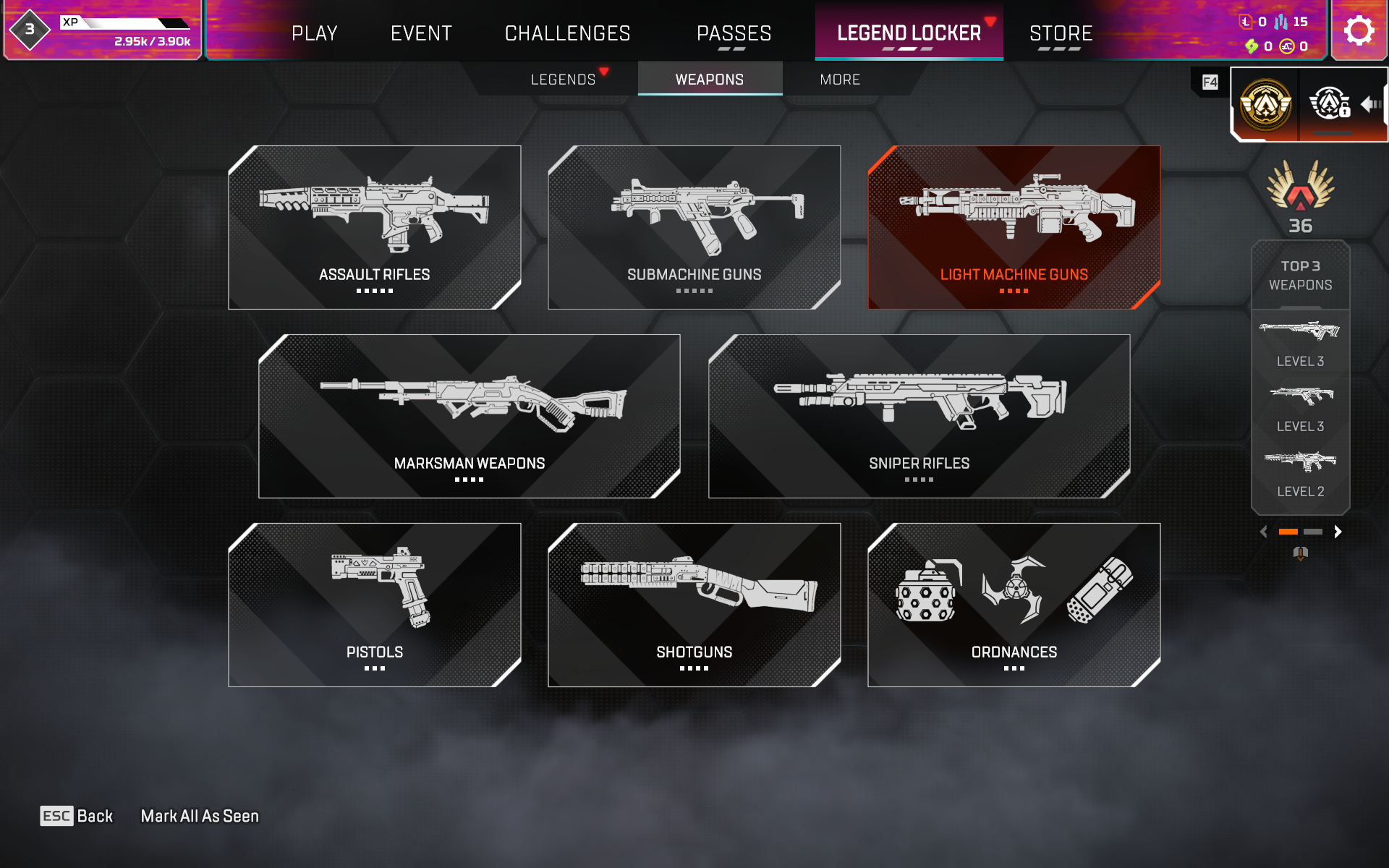
Original APEX UI
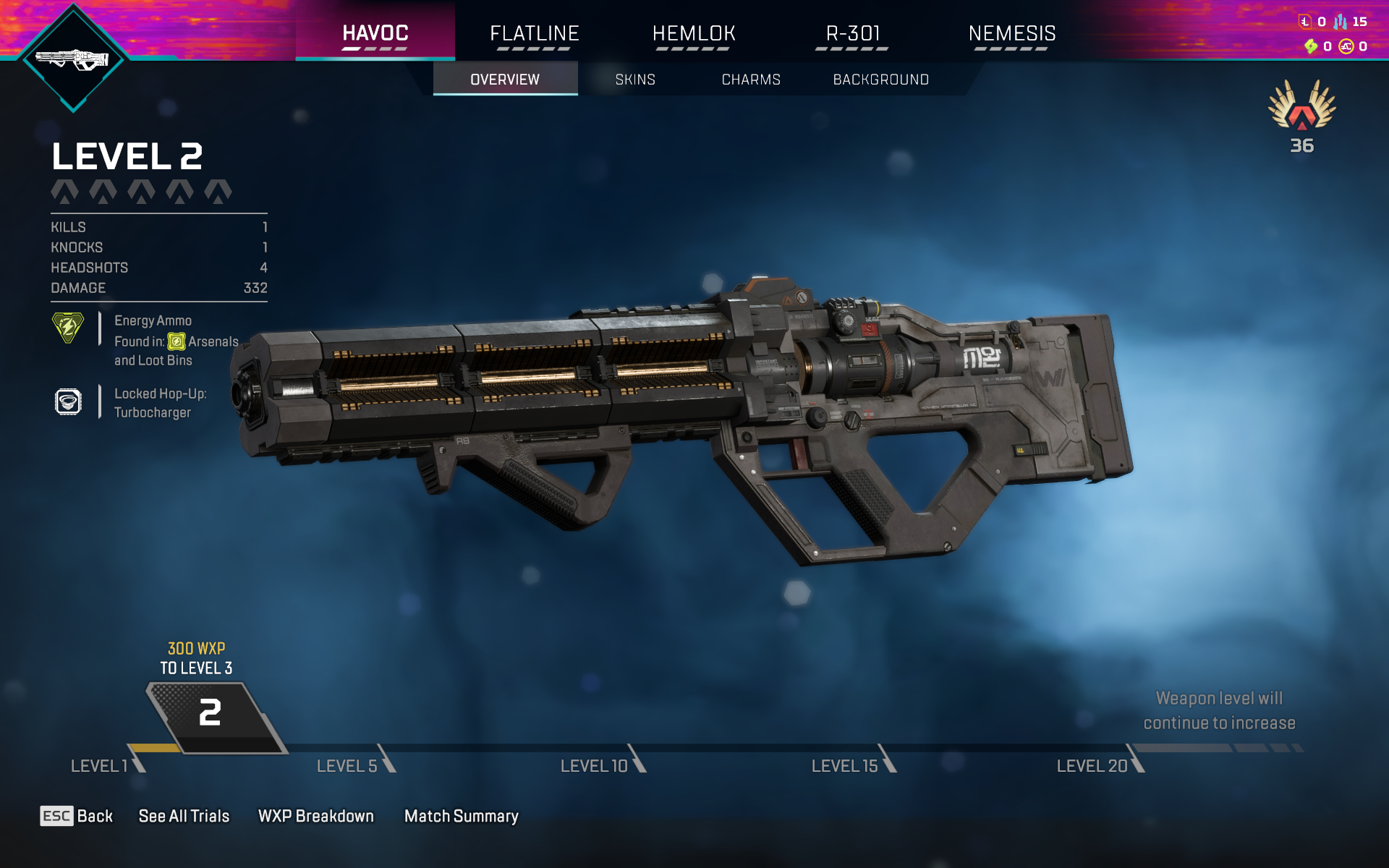
Original APEX UI
02

Weapon Select

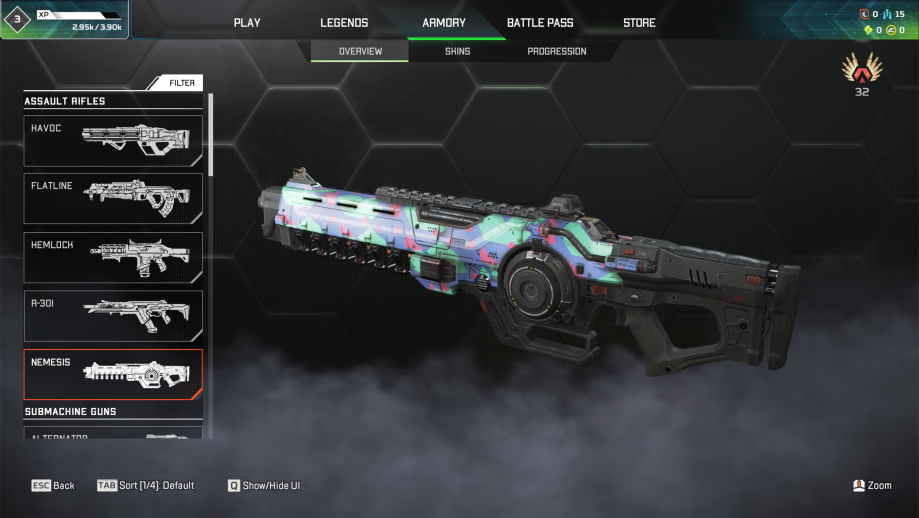
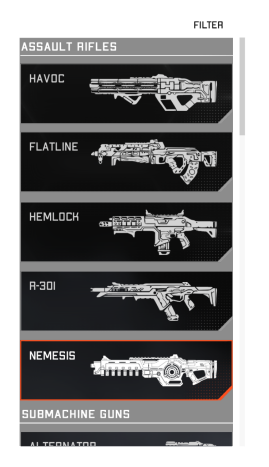
I found the gun type selection of the armory difficult to navigate as the navigation grid took too many clicks and seperate pages to reach the desiered weapon. I wanted to simplify that into a side scrolling selection bar instead.

The original grid selection system has been changed to be a scrolling selection bar with each weapon for its specific type sorted under its name.

Weapon Select Redesign
03

Skins + Charms

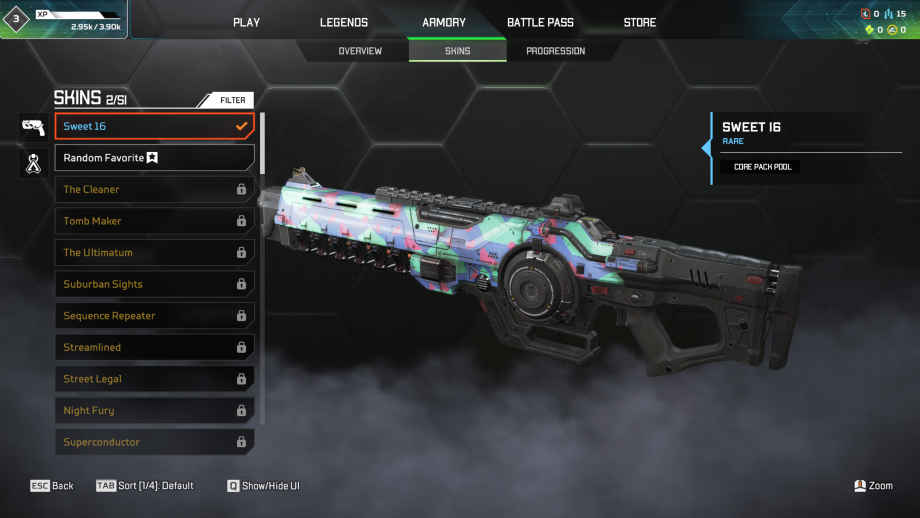
I found the charms tab being seperated from the skins tab which createdled to more navigation for the user. I combined these two pages into one with a side menu bar beside the skins tab.

The two side boxes allows for one-click simple navigation when it comes to selection.

Skins and Charms Redesign
04

Progression

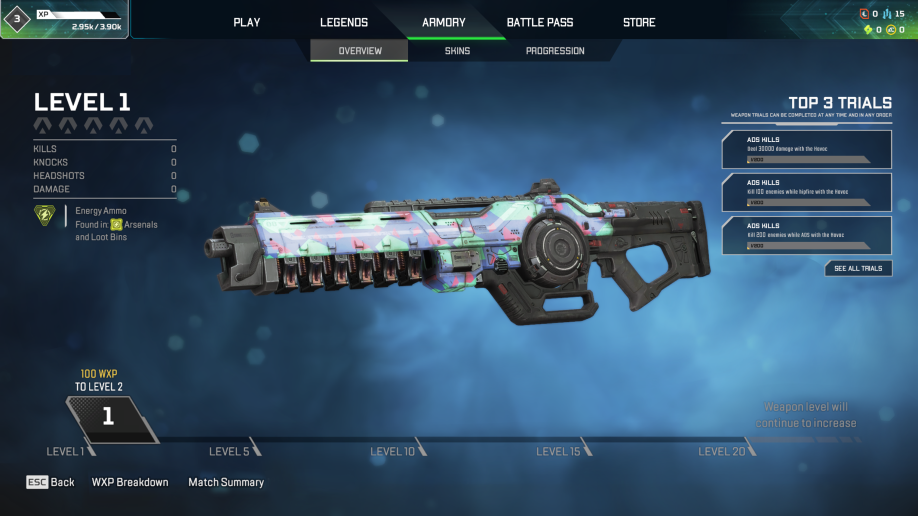
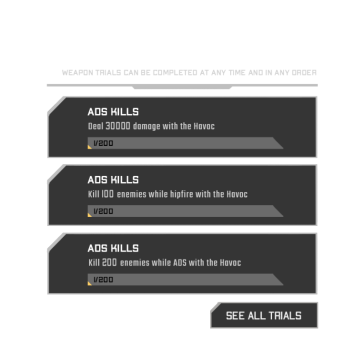
As someone who was new to Apex, the leveling system was familiar as it was similar to other games but, I found it challenging to find the trials tab in this page. I moved the trials to the left side to be more visible to the user and more clear with what rewards will be received.

Progression Redesign
05

Created Assets

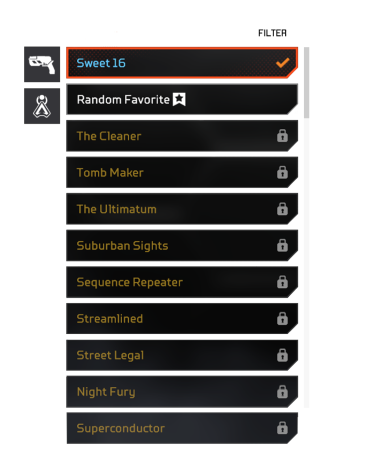
All UI components, icons, and illustrations were created from scratch in Figma and Photoshop. Below is a selection of the individual assets built for this project.

Progression Redesign
Presentation Version
APEX Legends UI/UX Presentation